Having product variants
Use variants if you have a single product that comes in multiple sizes, colours or other variants
On any product page:
- Click the Variants tab
To begin adding product variants:
- Click the Add product variants button
- Enter the name of the variant in the Options name field
- Add as many variants as required in the Choices field
Making variants easier to manage
When adding a product to your store, you have the option to add in the different variants of the item - for example, size or colour - which will soon add up and make your product variants much more difficult to manage.
Instead of doing this for every item, consider making some of the variants into separate products. For example, if you sell one style of T-shirt in five different colours, list the different colours as separate items. Now, the only variants of each shirt will be the different sizes, and managing them will be much easier.
To reorder how variants are displayed to the user:
1. Select the Reorder dropdown values button
2. Click and drag the value up or down the list
To edit variants:
1. Select the Pencil icon next to any value
2. Toggle Visibility to hide or show a value
3. Select an option to edit
Adding options
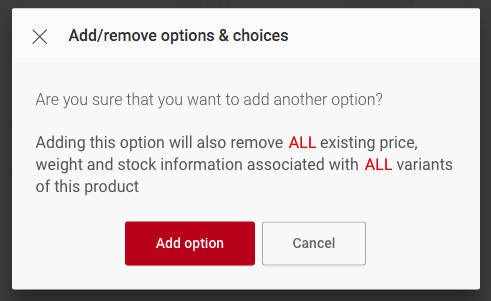
Adding additional options will remove all existing variants.
Deleting an option
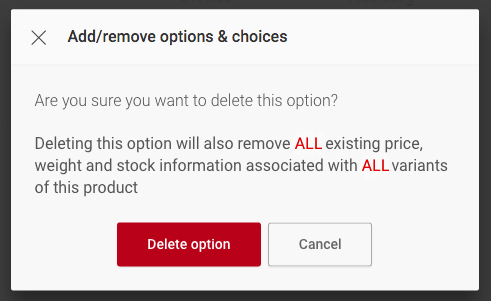
All price, weight and stock information is deleted along with the option