
Back to Tools and Features
Allowing purchases when stock level reaches zero
Keep track of your stock and optionally receive an alert when stock levels are low
On any product page:
- Click the Inventory tab
- Select Track inventory for this product
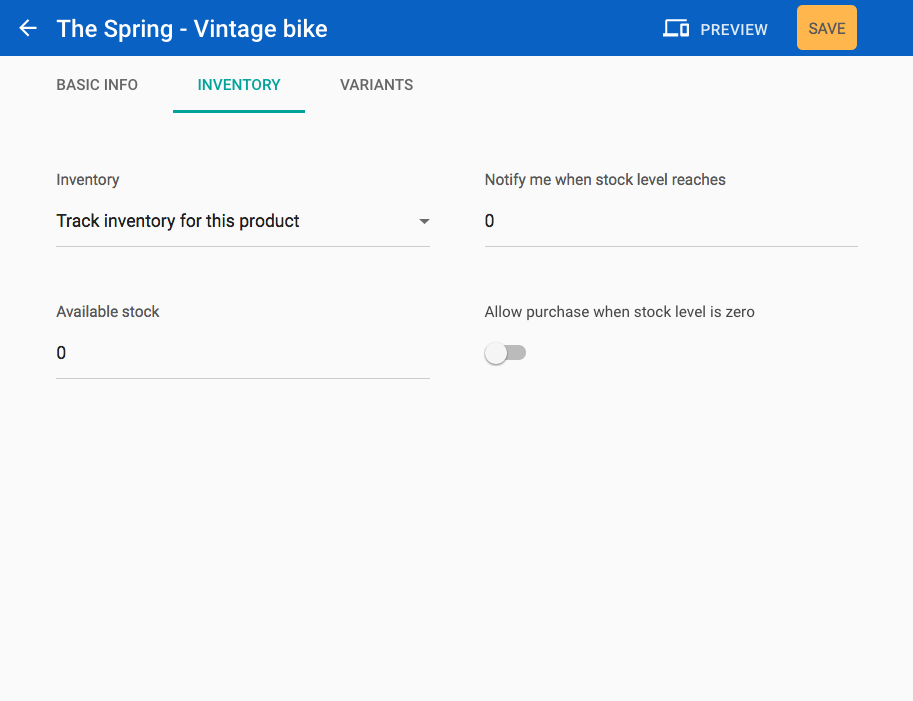
Inventory Settings
- Set the available stock level for your product
- Set a stock level you wish to be notified of
- Toggle to allow purchases when the stock level is zero
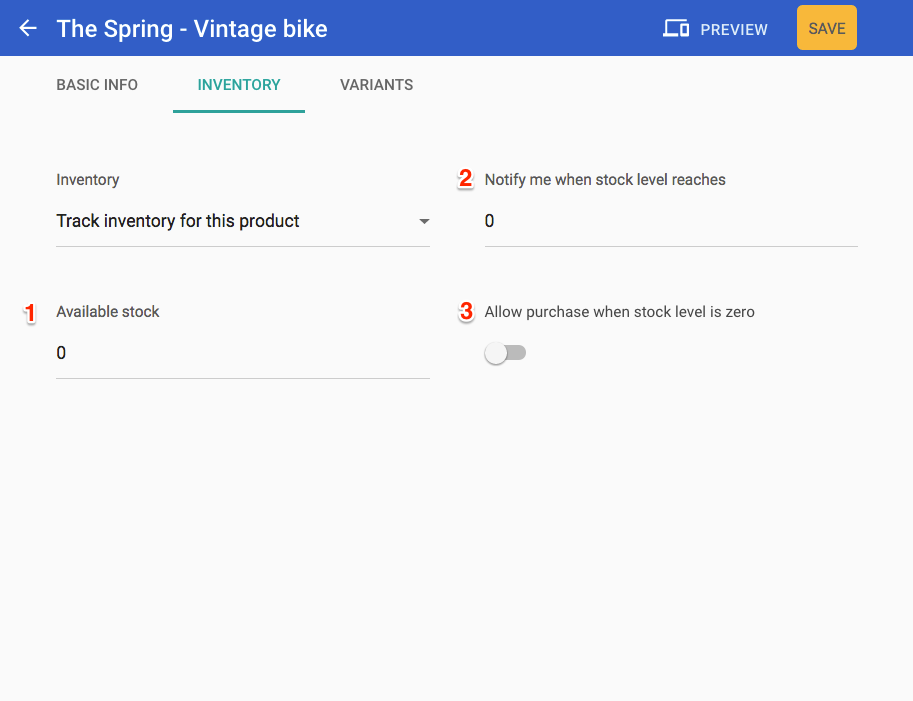
Allowing purchases when stock level reaches zero
If you toggle Allow purchase when the stock level is zero you should ensure that you can fulfill the order