
Back to StackCP Hosted Email
Log in to Webmail via StackCP:

In this section, we will detail two ways to log into your email account through UK2 webmail.
Log in via Webmail directly:
1. Log in to webmail here.
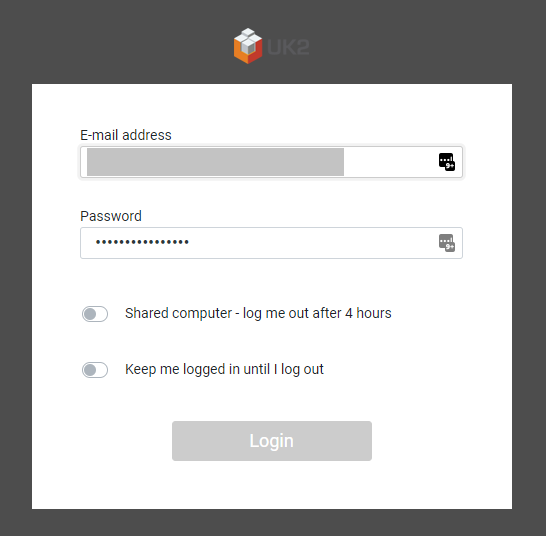
2. You will be prompted for your email address and your email password. Please enter them in the fields provided and click ‘Login’.
3. This will log you into webmail.
Log in to Webmail via CHI:
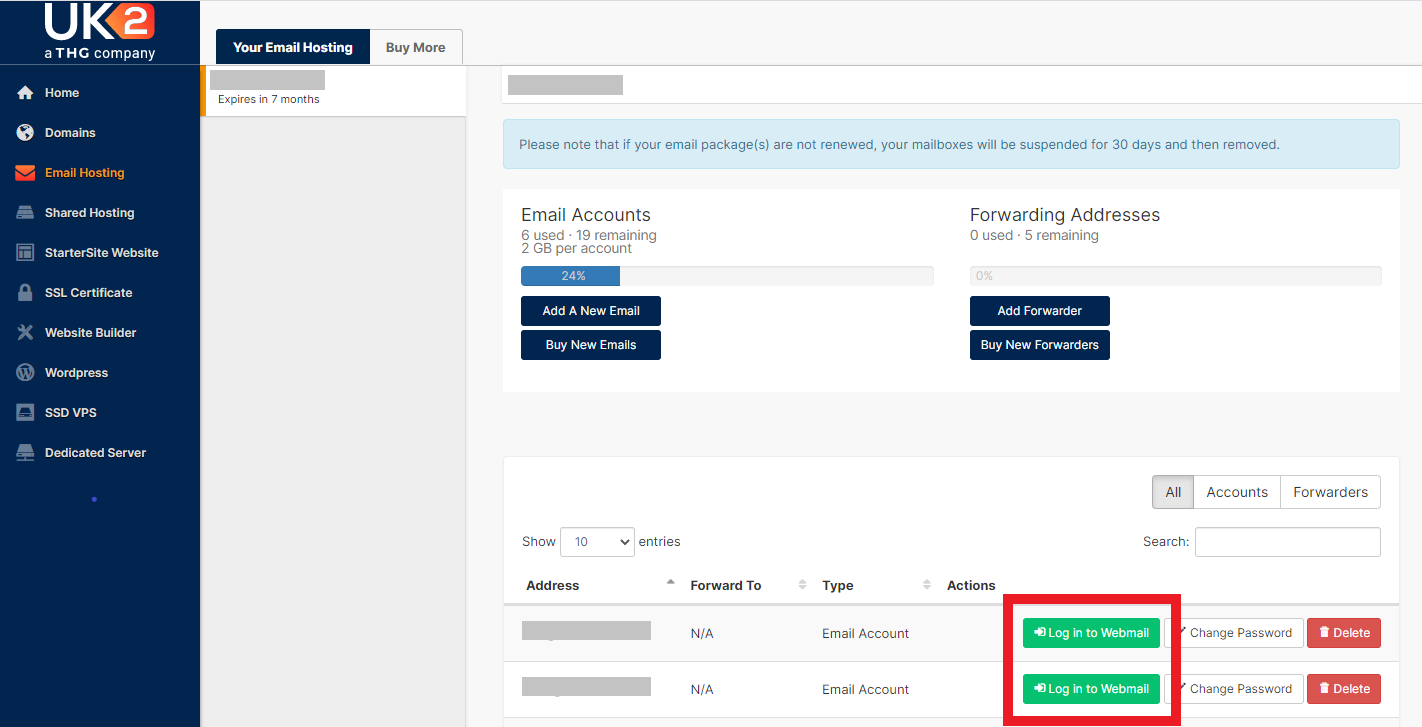
1. Go to the 'Email Hosting' tab within your UK2 CHI account and select the domain you wish to access the email for.
2. On this page, click the green 'Log in to Webmail' button.
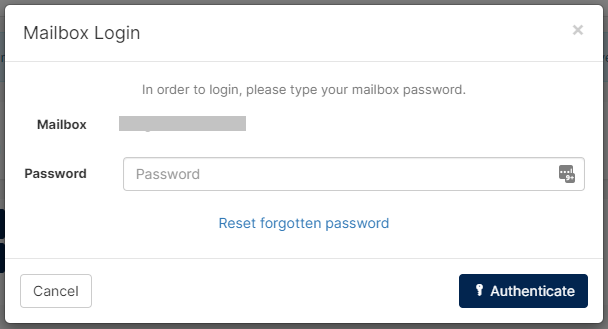
3. This will bring up a box that will prompt you for your email password. Enter your password and click 'Authenticate'.
4. This will log you into webmail.
Log in to Webmail via StackCP:
- Log in to StackCP by following this guide
- Click Webmail in the Email section
- Click Sign in to Webmail next to the account you wish to login to. This will then automatically log you into webmail in another browser tab.
Webmail allows you to log in to your email account from anywhere in the world, to send and receive emails.