
Back to Managing Your Account and Services
Step 1: Navigate To Your Email Hosting Package
Step 2: Follow The Change Plan Directions
How To Purchase Additional Email Accounts Or Forwarders
Step 1: Navigate To Your Email Hosting Package
- Log into chi.uk2.net.
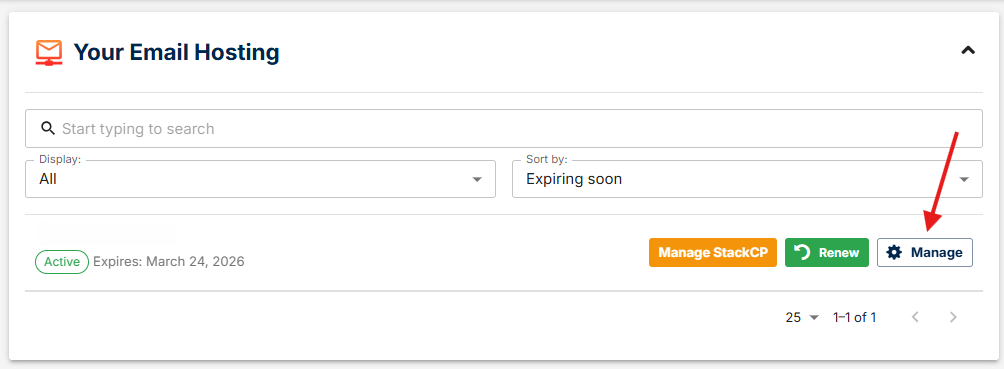
- Click “Email Hosting” from the left menu bar.
- Click Manage next to the domain name of the Email Hosting package you wish to upgrade.
Step 2: Follow The Change Plan Directions
- Click either the Change Plan or Renew Now button from the right side of the page.
- This will enable you to choose to regrade your package today or at the next renewal point.
Step 3: Choose Your New Hosting Package
- Select the service package that you desire from the drop down menu.
- Proceed through checkout, selecting payment information and clicking “Checkout”. Your changes will then be processed
If you have any questions please feel free to submit a ticket or chat with our Billing team.