
Back to Domain Transfers

Step 1: Log into your CHI account at https://chi.uk2.net/ with your username and password.
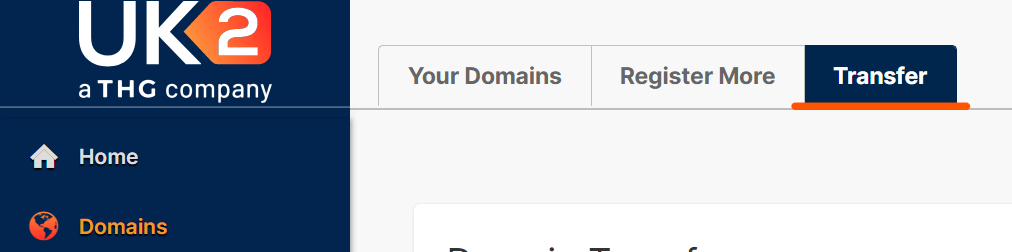
Step 3: Next click on the “Transfer” tab from the menu on the top of the page.
Step 4: Click on the “Transfer Out” button.

How to transfer a .uk Domain away from UK2
In this section, we will be detailing the process for transferring your .uk domain away from UK2.net to another registrar.
Your new registrar may require you to place a transfer order with them before the IPS Tag is updated. We would recommend checking with your new registrar first before following this guide.
How to transfer the domain away:
Step 1: Log into your CHI account at https://chi.uk2.net/ with your username and password.
Step 2: From inside your account, click the “Domains” tab on the left hand side of your screen.

Step 3: Next click on the “Transfer” tab from the menu on the top of the page.
Step 4: Click on the “Transfer Out” button.

Step 5: Enter your new registrars IPS Tag in the field provided.
Click “Transfer Out” to complete this process.