
Back to Using Website Builder
Site Favicons
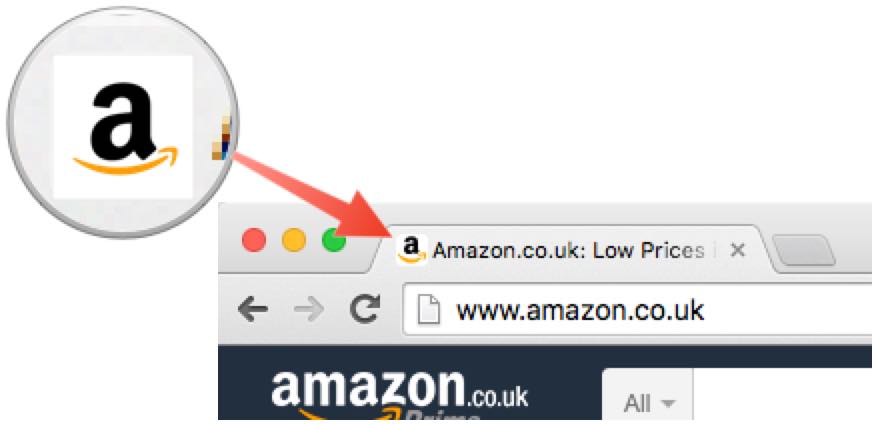
A favicon is a small icon shown in the browser address bar.
Add a Favicon
- Click Site settings
2. Click Favicon
3. Click Choose an image
4. Select the image you wish to use
Create a favicon
The favicon must be a .ico file and should be no larger than 4KB. There are many freely available tools for creating .ico files: use a search engine to look for "favicon generator"
5. Once uploaded, you will see a preview of your favicon